
Bip, your crypto learning assistant
Ask Bip any question about crypto.
Bip can help explain the lesson or article you have open in the web app, search the CryptoBipto lessons and news, and answer your questions in everyday language. Bip helps you understand crypto without telling you what to buy or sell.
CryptoBipto is a crypto education platform. It does not buy, sell, hold or send cryptocurrency for anyone, and it does not give financial advice.
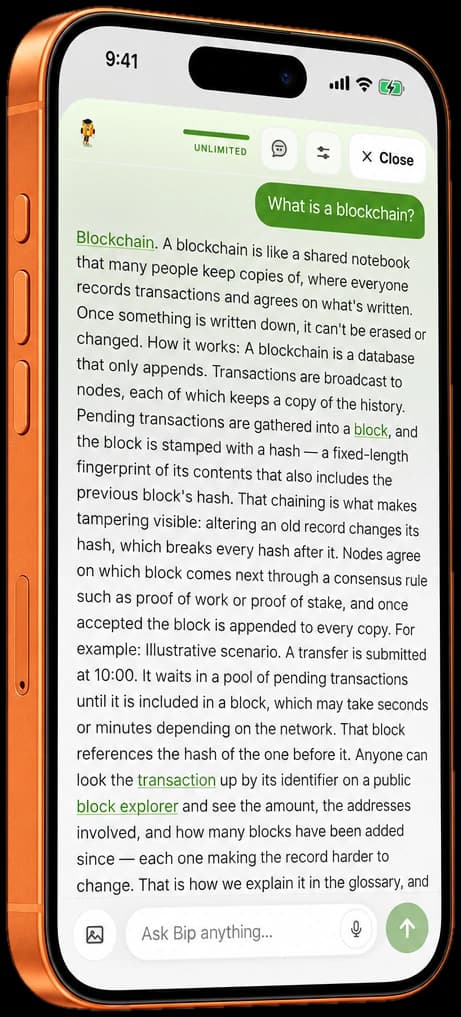

Bip explains terms in everyday language.
Get clear, friendly explanations of crypto terms and concepts. Ask a question in your own words and Bip gives a helpful, easy-to-understand answer.
- Simple, accurate explanations
- Examples and helpful context
- Follow-up questions when you want to learn more
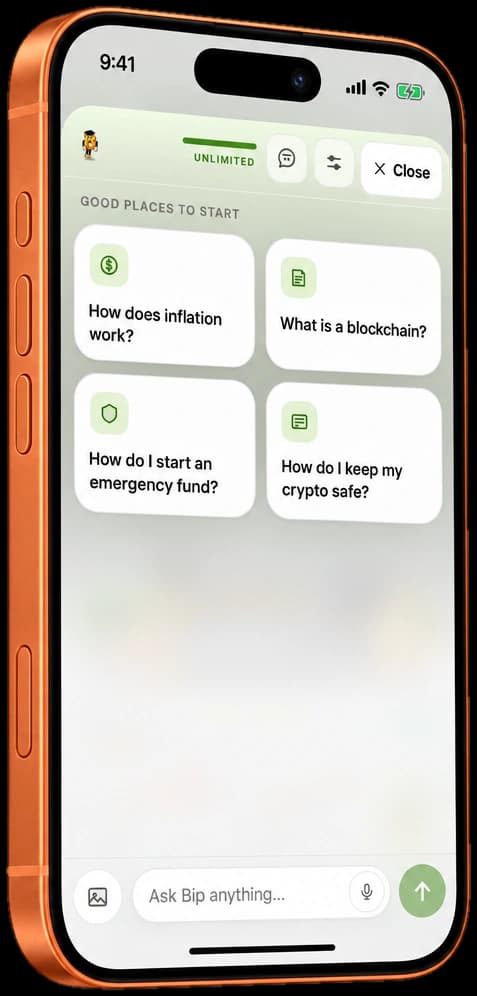
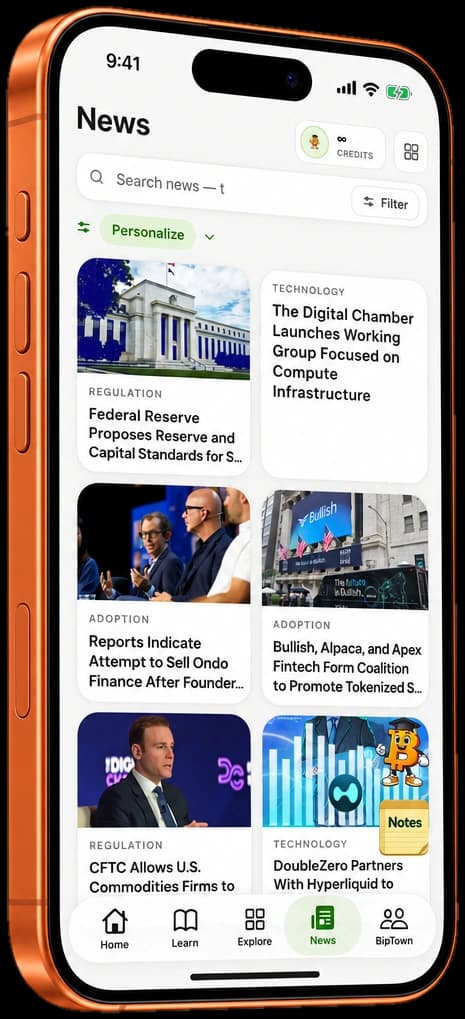
Bip searches the lessons and the news.
Bip can search the CryptoBipto lessons you can open and recent crypto news to help you find relevant information, understand key ideas and explore topics in more depth.
- Find the right lesson or article
- Get news summaries and key takeaways
- Ask follow-up questions to go deeper
What Bip does and does not do.
Bip is here to help you learn, not to give financial advice. Here is what Bip can access, and when.
Chat
Bip sees what you type or attach. During chat, it does not review your watchlist or practice portfolio.
Watchlist
When you ask Bip to add a coin to your watchlist, it checks whether the coin is already listed and whether there is room. You confirm before anything is added.
Practice trades
Bip sees a practice trade only when it writes the note for a market order you place.
Portfolio reviews
In the iPhone app, Bip can review a summary of your practice portfolio only when you ask. It may include your largest holding and measures of concentration, correlation and volatility.
Keep sensitive information private. Never enter private keys, recovery phrases or passwords in chat.
How Bip credits work.
Here is what Bip credits are for, what uses them, and what happens when you run out.
What a credit is for
Bip credits are what you use when you ask Bip a question and when you use some of the member tools. Different kinds of action can use different numbers of credits, and a request goes ahead only when you have enough credits to cover all of it.
Your monthly credits
A free account includes 5 Bip credits each month. Paid memberships include the monthly Bip credit allowance shown on our pricing page. Monthly credits renew at the start of each calendar month, at midnight UTC, whatever day you joined, and credits you have not used by then do not carry over.
See the membership plansWhat uses credits
Credits are used when you ask Bip a question, ask Bip to read a chart, ask Bip to review a practice portfolio, check a suspicious message in the iPhone app, or use one of a few other member tools. The short note that Bip writes after a practice trade does not use credits.
How a request is charged
If you do not have enough credits to cover a request, nothing is taken. If you ask Bip a question and no part of the answer reaches you, the credits for that question are returned.
Where to see your balance
The web app shows how many credits you have left this month and the date they renew. The iPhone app shows how many credits you have left this month.
When your credits run out
On a free account, you can wait until your credits renew at the start of next month, or you can become a member. Credits that you buy separately, where they are offered, are used only after your monthly credits, can be used only while you hold a membership, and do not expire.
Frequently asked questions.
A free account includes 5 Bip credits each month. Paid memberships include the monthly Bip credit allowance shown on our pricing page.
On a free account, you can wait until your credits renew at the start of next month, or you can become a member. A member’s monthly credits also renew at the start of next month. Credits that you buy separately, where they are offered, are used only after your monthly credits, can be used only while you hold a membership, and do not expire.
Bip does not automatically review your practice portfolio during a regular chat. In the iPhone app, Bip can review a practice portfolio summary when you specifically request that feature.
No. Bip explains concepts, provides context and helps you understand information. It does not tell you which cryptocurrencies to buy or sell or provide personalized financial advice.
Yes. Ask Bip to explain something differently, provide an example, or go deeper into a subject.
What you type in a chat is saved with your conversation, and so are the images you attach on the website. You can delete a conversation from your list of recent conversations, and deleting your account deletes all of your conversations. Pictures you attached on the website are removed within about a day after the conversation they belong to is deleted. Do not enter private keys, seed phrases or passwords. The privacy policy describes who receives what you send in a chat and how long it is kept.